Connect your AWS
One command creates the buckets, the CDN and the build project. It takes about five minutes, once.
# uses your AWS profile
$ shipzy init
shipzy deploys React and Next.js sites to S3 and CloudFront in your AWS account, with instant rollbacks, preview URLs, custom domains and push-to-deploy. No servers of ours in the middle, and you pay AWS directly.
$ shipzy init
✔ Ready. buckets, CDN, build project created

$ shipzy deploy . --project my-app
› Deploying my-app (Next.js static export)
› Uploaded 142 files as d-20261031T130907-a6373d
✔ Live: https://my-app.example.com

$ shipzy rollback -p my-app
✔ my-app now serves d-20261031T113335-fa4a01
Everything is created in your AWS account, and you can see all of it in the AWS console.
One command creates the buckets, the CDN and the build project. It takes about five minutes, once.
Build on your machine or inside your account. Every deploy is stored as an immutable copy.
Pointing the site at a different deploy takes effect at the edge in about 30 seconds.
Deploys, previews, domains, rollbacks and environment variables, running on infrastructure you own.
A folder on your laptop, a build in your own AWS account, or a pasted GitHub link. Same result each time.
Connect a repository once. Every push to the branch builds and goes live, with no CI to set up.
Each PR gets its own URL, rebuilt on every push and removed when the PR closes, with a comment on the PR.
Every deploy is an immutable copy. Going back is a single small update, not a rebuild.
Certificate, distribution and DNS are created for you when the domain is in Route 53. Otherwise you get the exact records to add.
Build-time variables are stored encrypted in your account, with separate production and preview values.
Vite, Create React App, and Next.js with output: export. Pages, dynamic routes and a real 404 all work.
Each project gets its own CloudFront link on its first deploy, so any number of sites can be live at once.
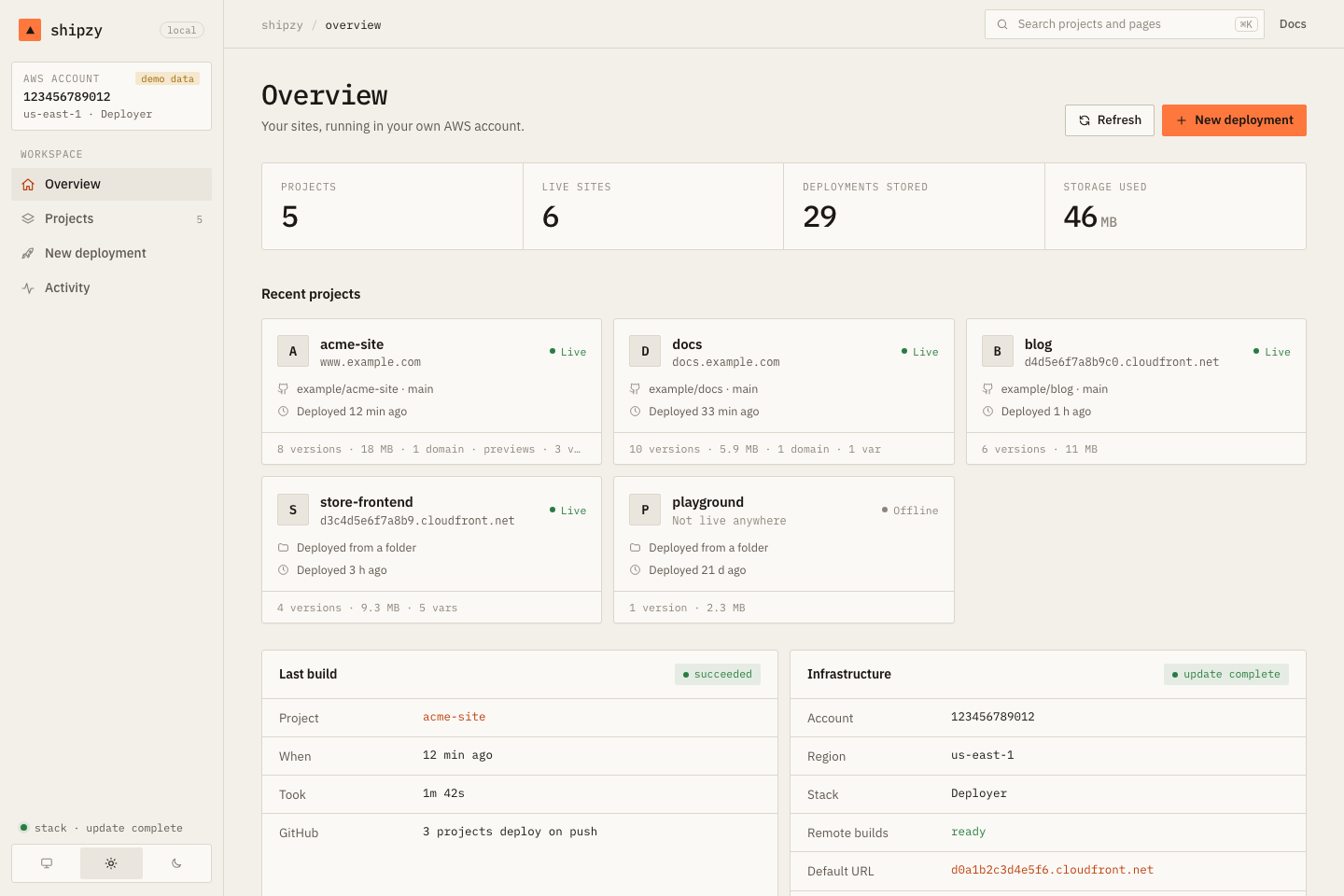
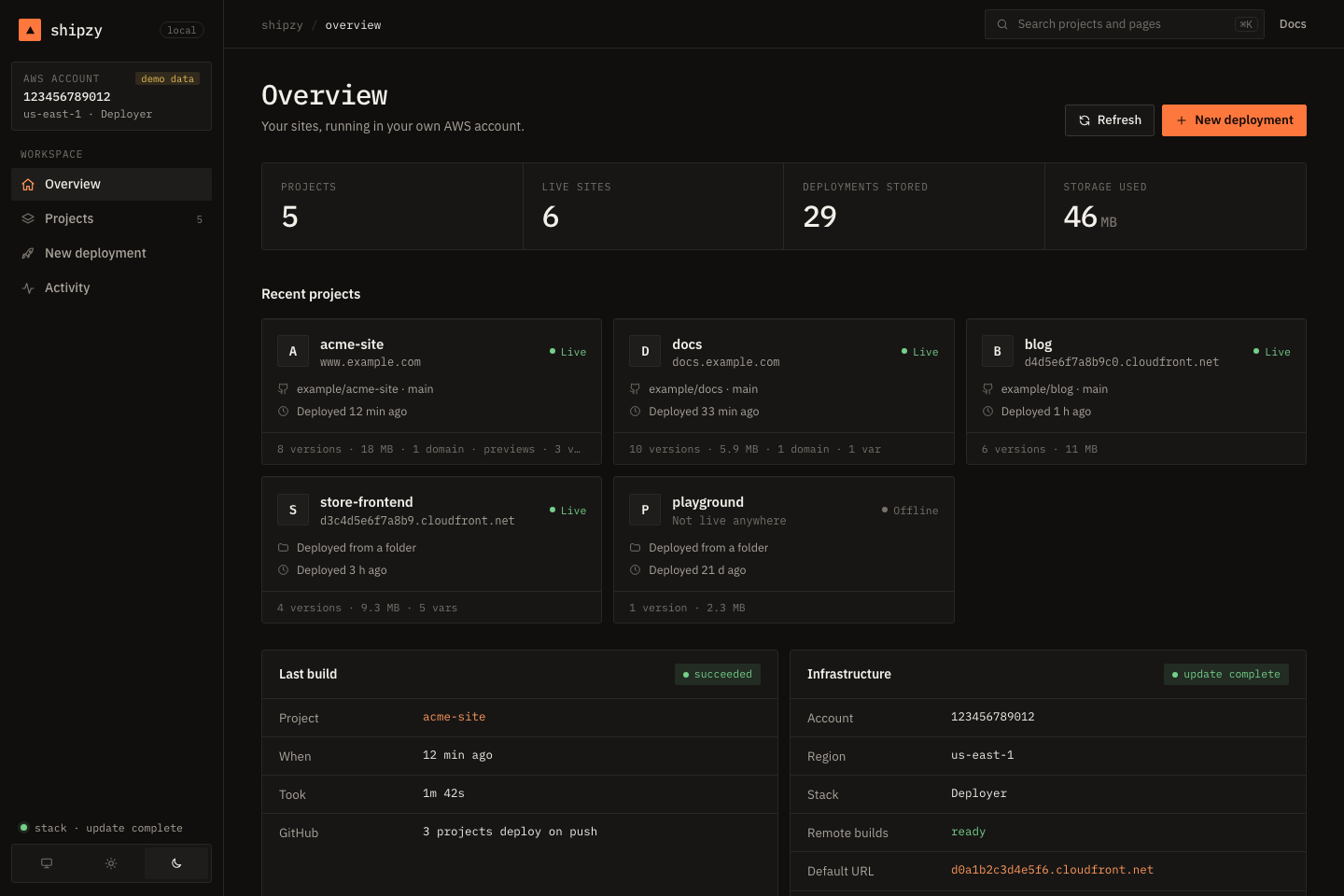
A web UI that runs on your own computer: deploy, roll back, manage domains and variables, follow build logs.
shipzy is a command-line tool on your machine and a set of resources in your AWS account. We never see your code, your keys or your traffic.
Each deploy is a new folder in S3. Nothing is overwritten, so a bad release never destroys the good one.
CloudFront looks up which deploy a hostname should serve. Promote and rollback are one small write.
CodeBuild runs your install and build, so GitHub deploys need no CI of their own and no secrets outside AWS.
Prefer clicking to typing? shipzy dashboard opens a web UI that runs on your own computer. It does exactly what the CLI does, because it runs the CLI.
The safest design is one where we never hold anything worth stealing. A few of the choices that follow from that:
No shipzy servers, no accounts, no telemetry. The code runs on your machine and in your AWS.
A ready-made IAM policy limits the CLI to resources named for the stack. Download and read it.
Tokens and variables go in encrypted stores, never in command lines or logs, and are never shown back.
Bound to 127.0.0.1 with a per-launch token, a host check and same-origin checks.
No per-seat pricing and no markup. Small sites mostly fit inside AWS free allowances. Estimates are based on AWS list prices at the time of writing, and the cost page shows the arithmetic and where shipzy is not the cheapest option.
See the full breakdown →Install the CLI, run one command to set up your account, and deploy.