Dashboard
The optional web UI that runs on your own computer, with a tour of every screen.
The dashboard is a web UI for everything the CLI does: deploy, roll back, manage domains and variables, and follow build logs. It runs on your own computer, uses the same AWS profile as the CLI, and never listens on your network. It is optional: the CLI works fully without it.
Start it#
shipzy dashboard
The first time, shipzy says the dashboard is an optional download (about 16 MB) and asks Download and install it now? [y/N]. Answer n and nothing is downloaded. Answer y (or run shipzy dashboard --install) and it is installed into ~/.shipzy/dashboard-app. Open the address it prints; that address signs your browser in and is only good for that run. Press Ctrl-C to stop it.
--port 4300chooses the port (default 4173).--no-openprints the address without opening the browser.--installdownloads or updates the dashboard before starting it. Run it again after updating the CLI.--profile,--regionand--stack-namework beforedashboard, exactly as they do for any command.
Try it without AWS#
shipzy dashboard --demo
Demo mode runs on sample data and scripted actions. Nothing is read from or changed in AWS, so you can click around before you connect an account. Every screenshot on this page comes from demo mode.
Overview#
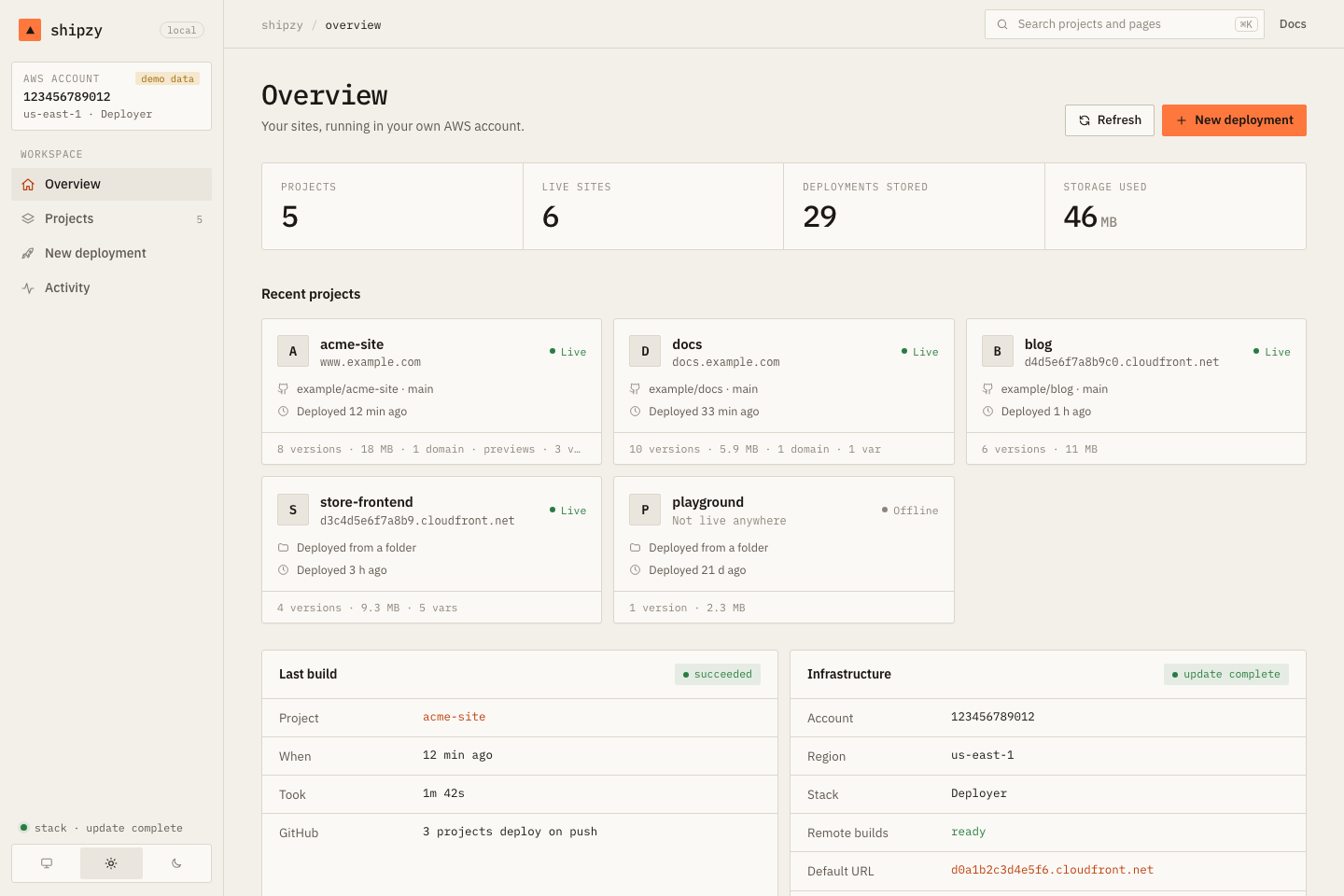
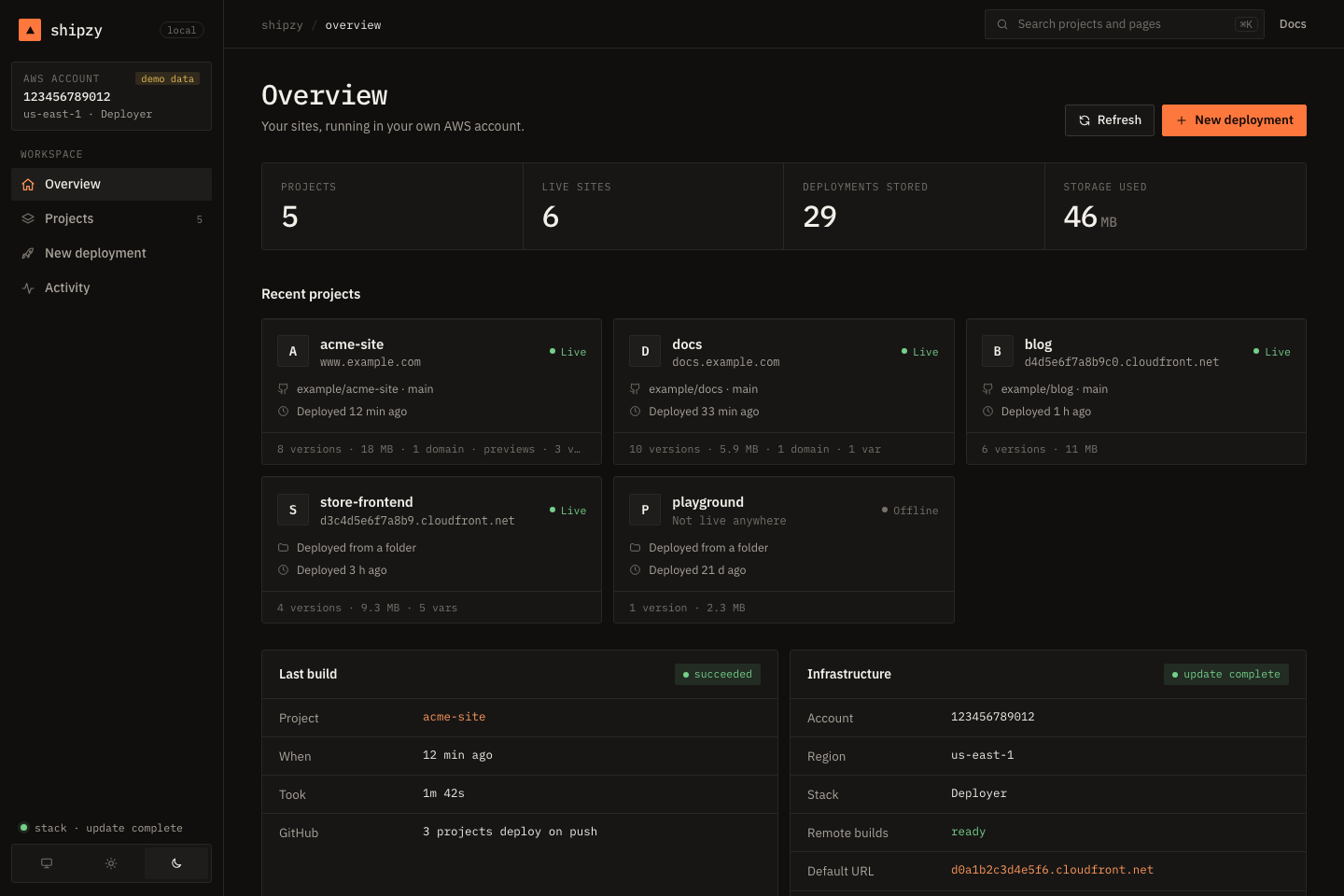
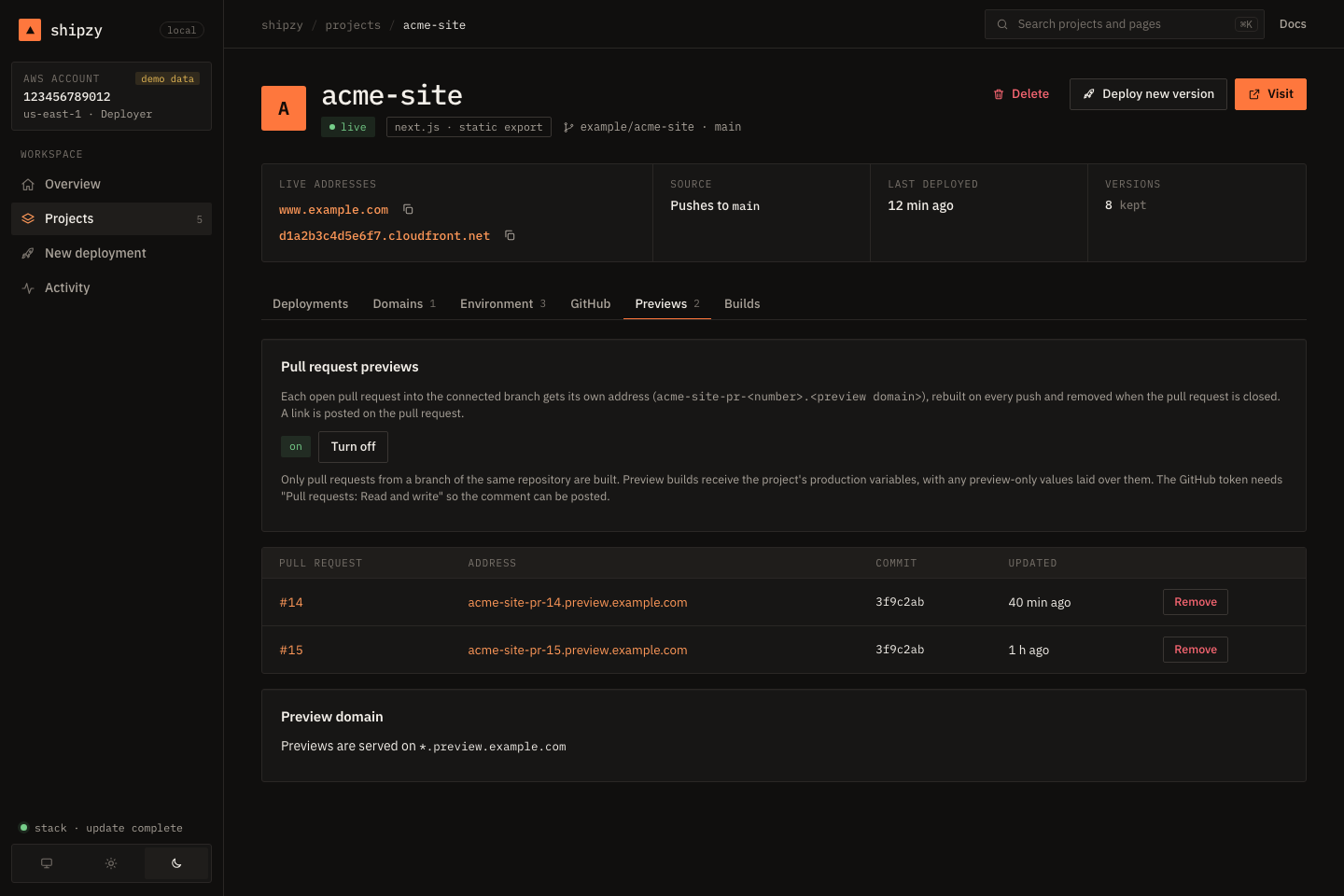
The home page shows your projects as cards (live address, repository, last deploy, size), the last build, and the state of the stack. The sidebar has a theme switch (match system, light, dark) and shows which account and stack you are looking at.
Projects#
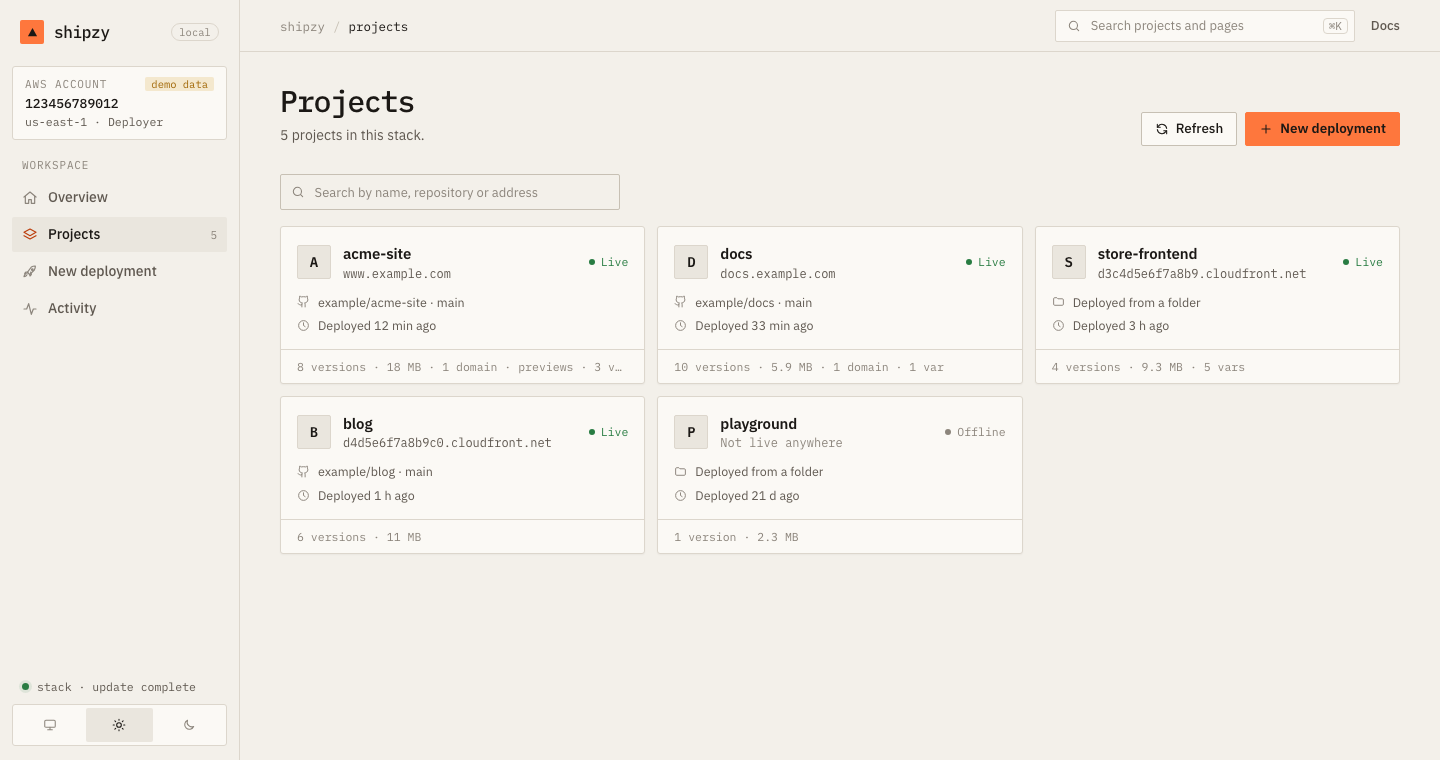
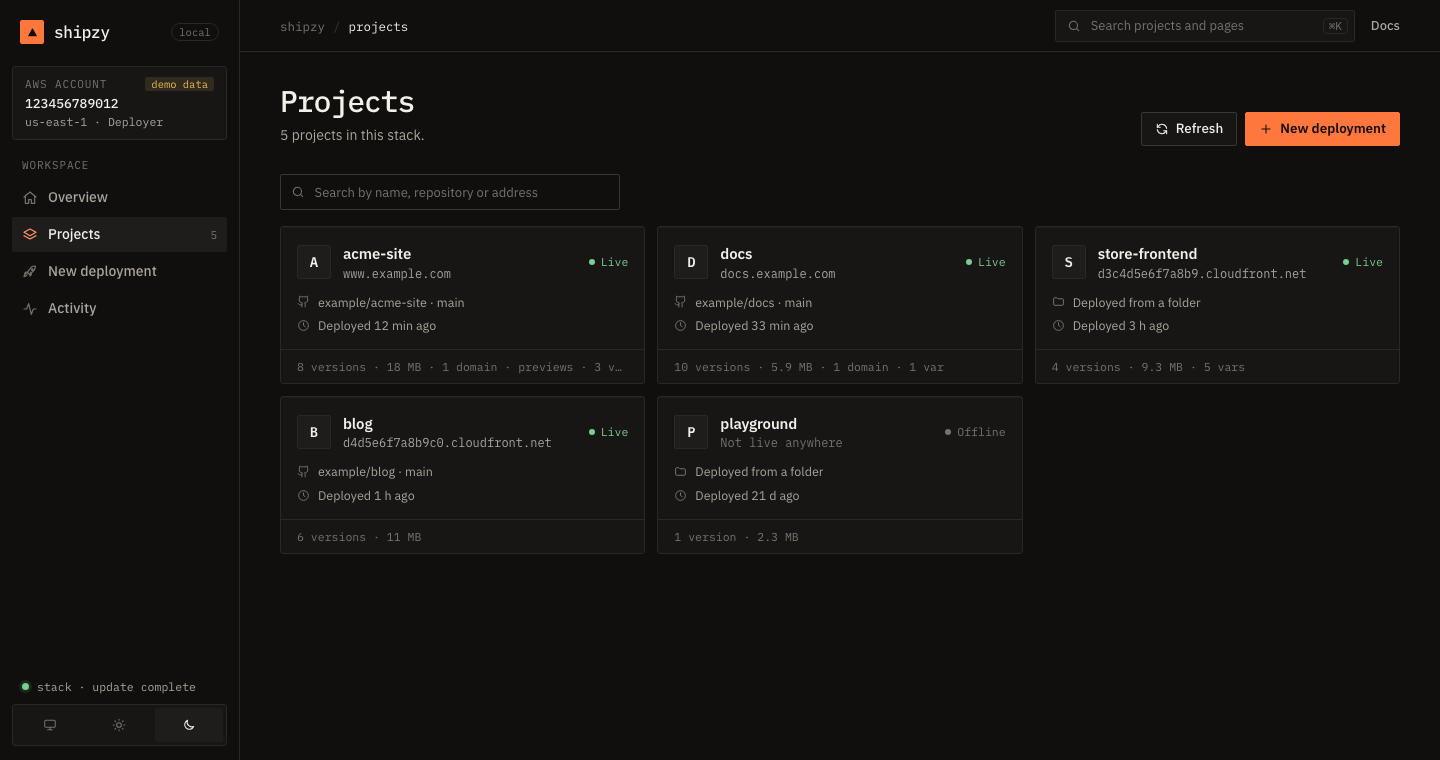
A project#
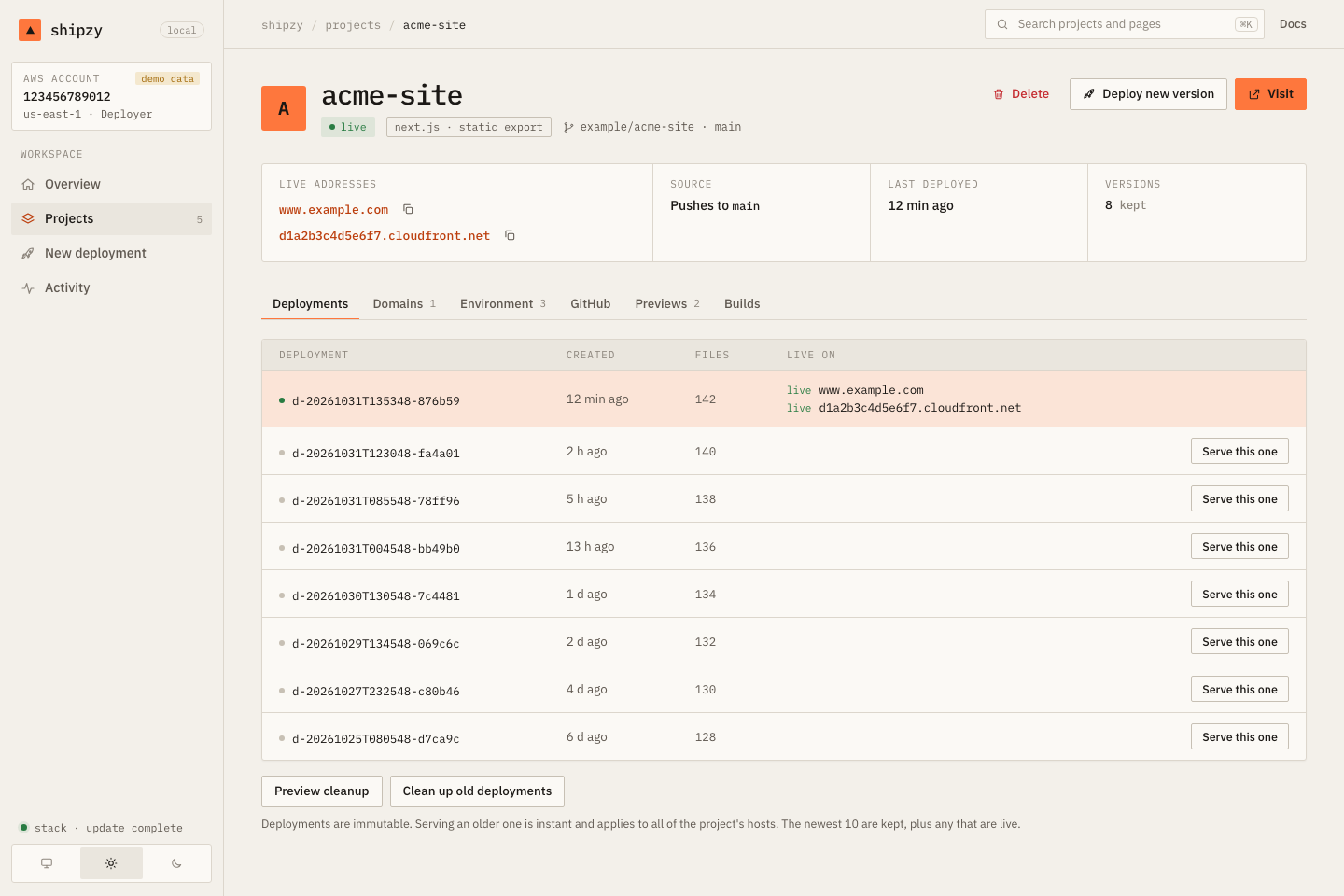
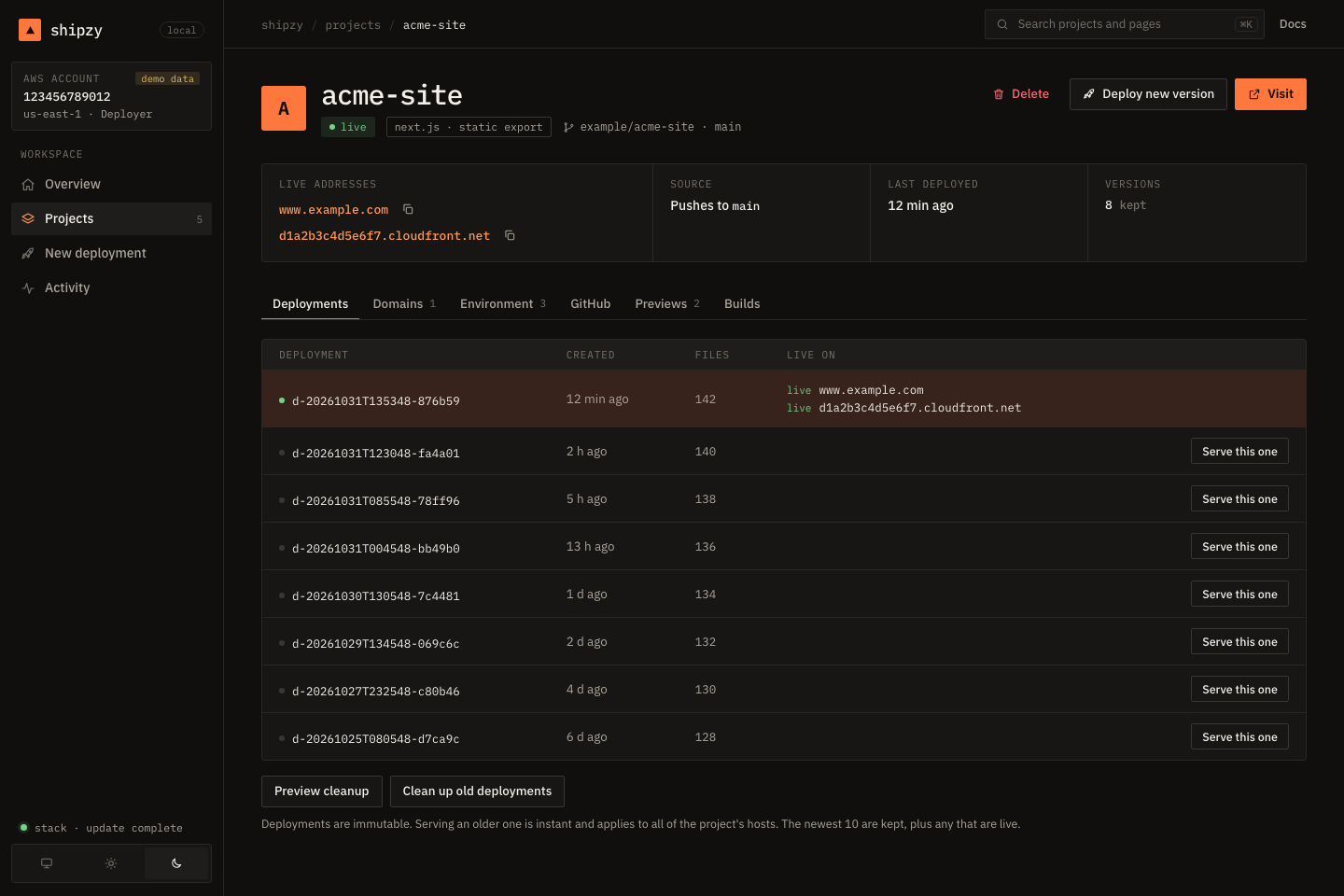
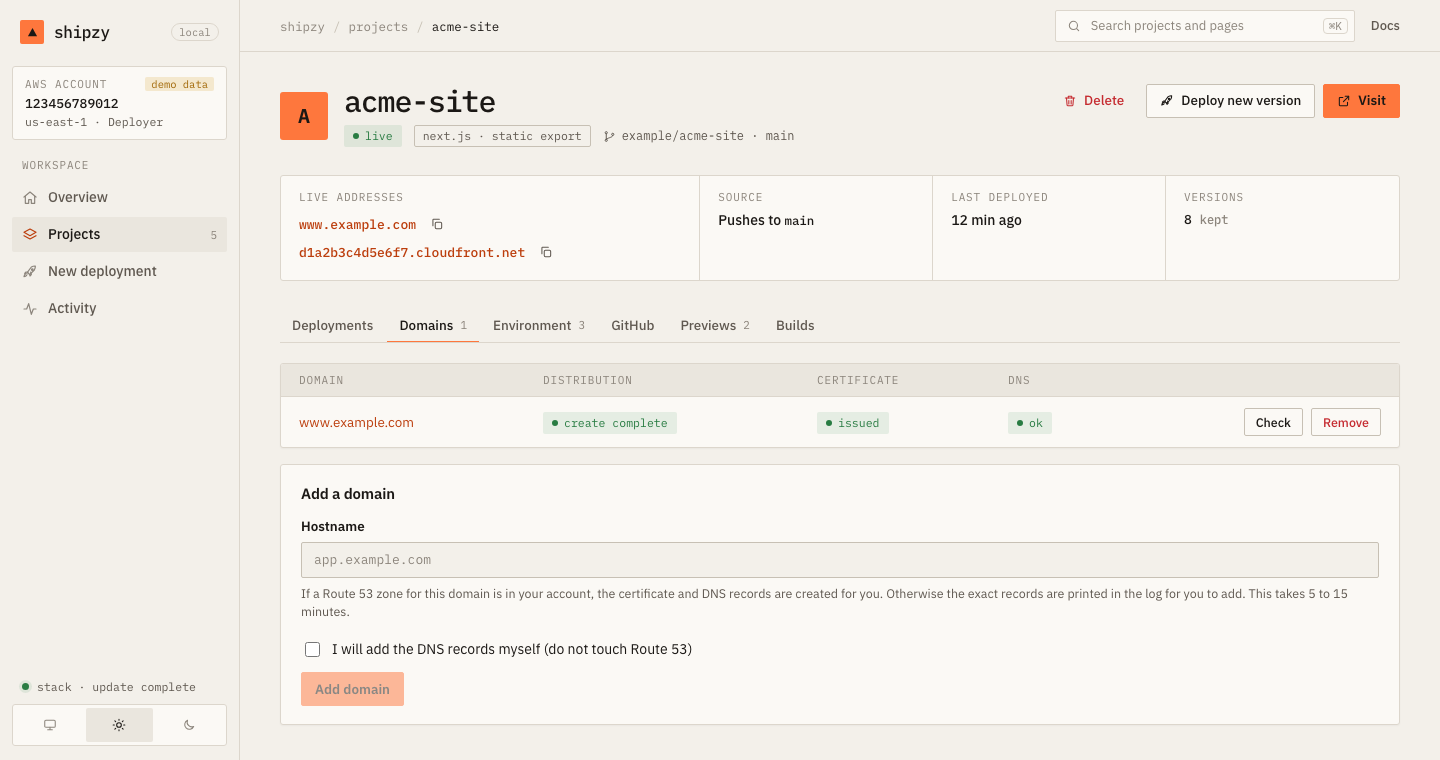
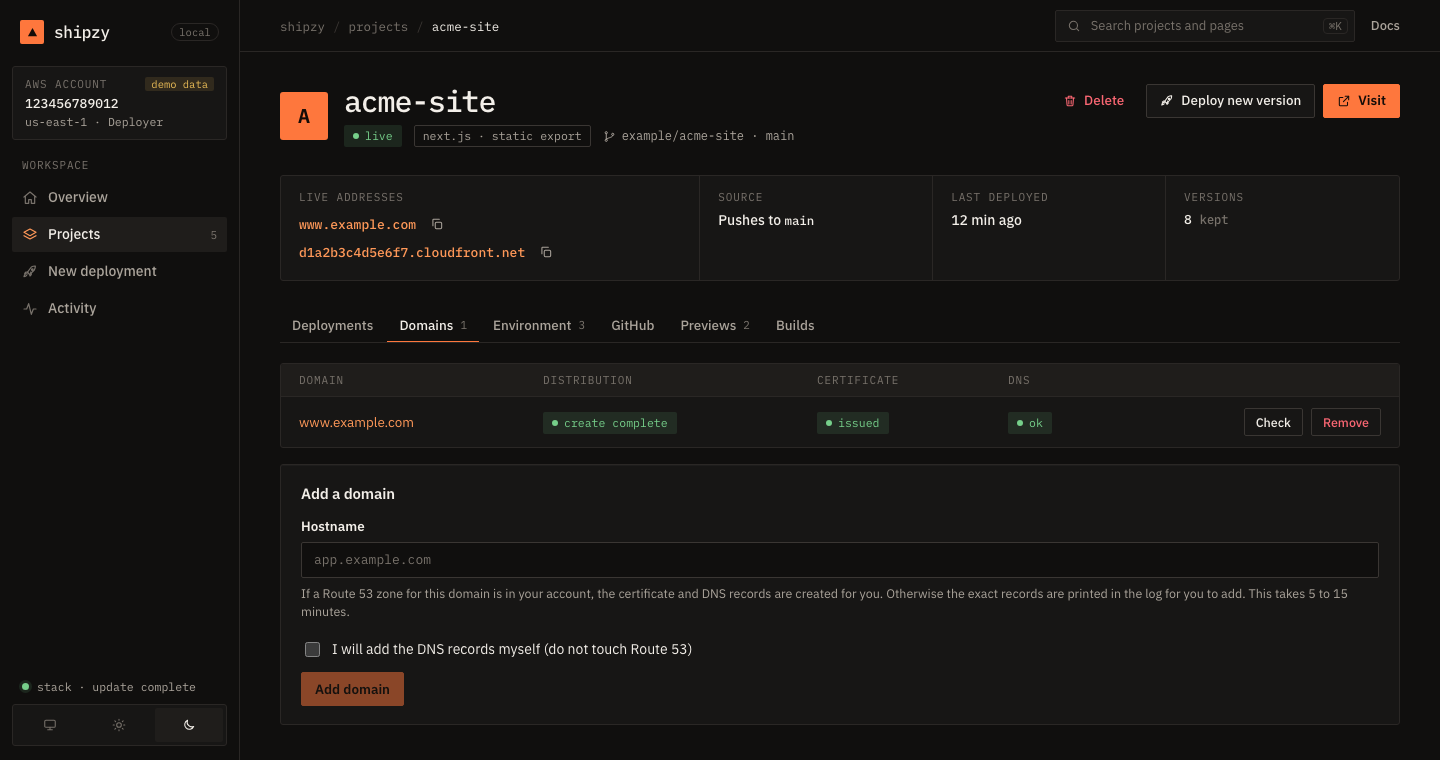
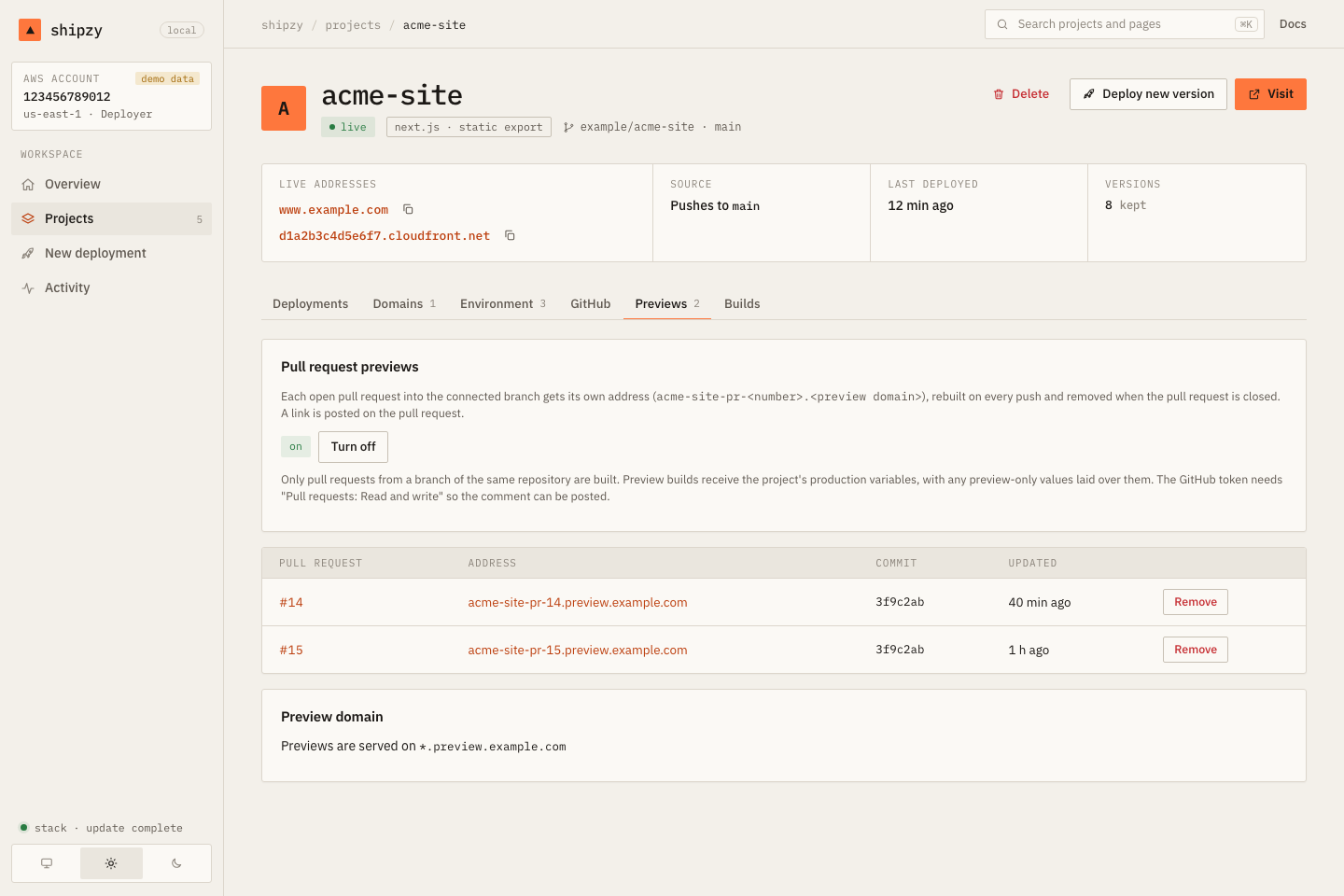
The project page has a Visit button, a summary strip, and tabs:
| Tab | What you do there |
|---|---|
| Deployments | Every version and which is live. Serve this one rolls back. Preview or run cleanup |
| Domains | Add (with live progress), check and remove custom domains |
| Environment | Add or remove variables, or import a pasted .env. Values are never shown |
| GitHub | The connection, Build the current head now, disconnect |
| Previews | Turn pull request previews on or off, see open previews, add the preview domain |
| Builds | Recent builds in AWS, and their logs |
New deployment#
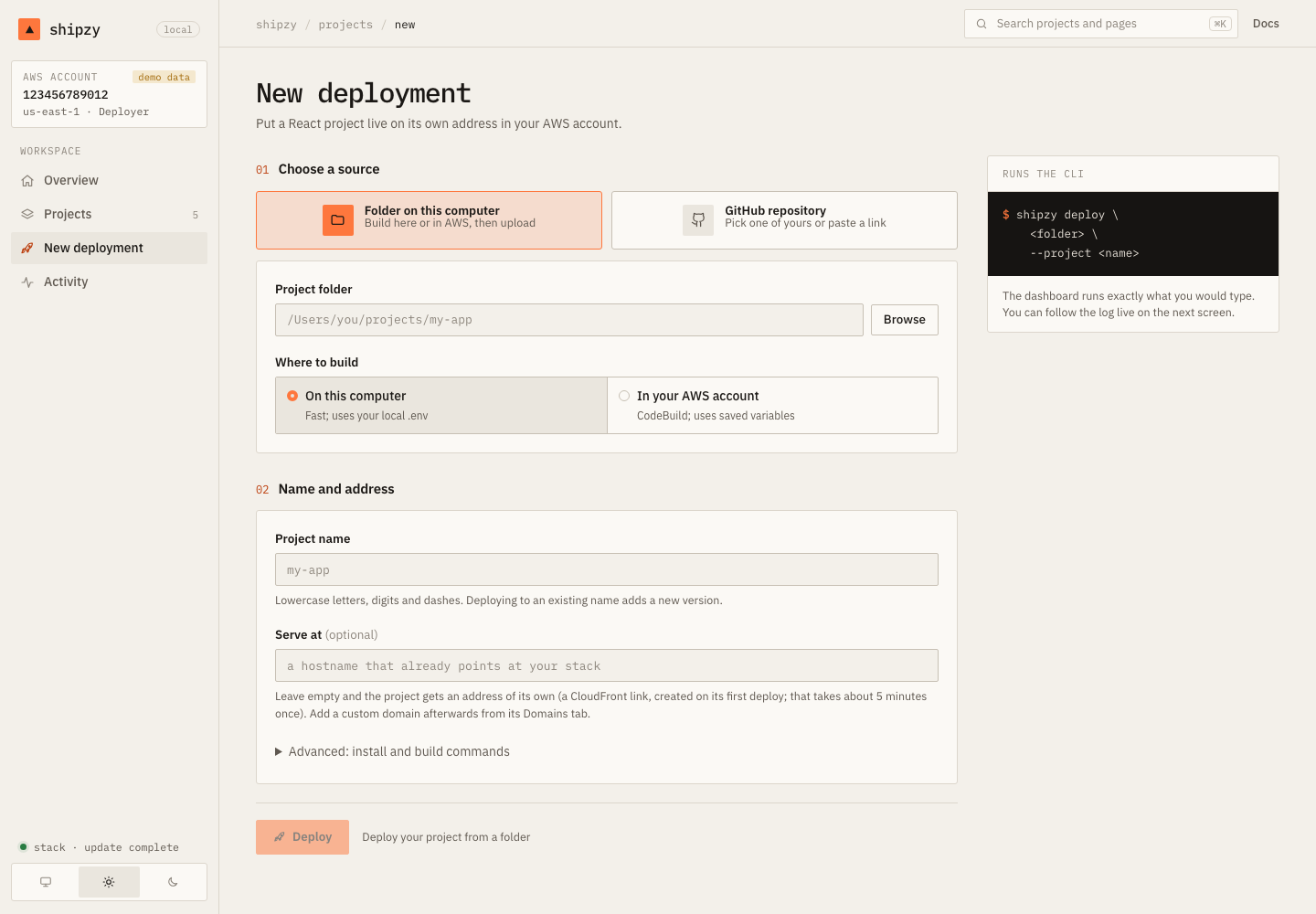
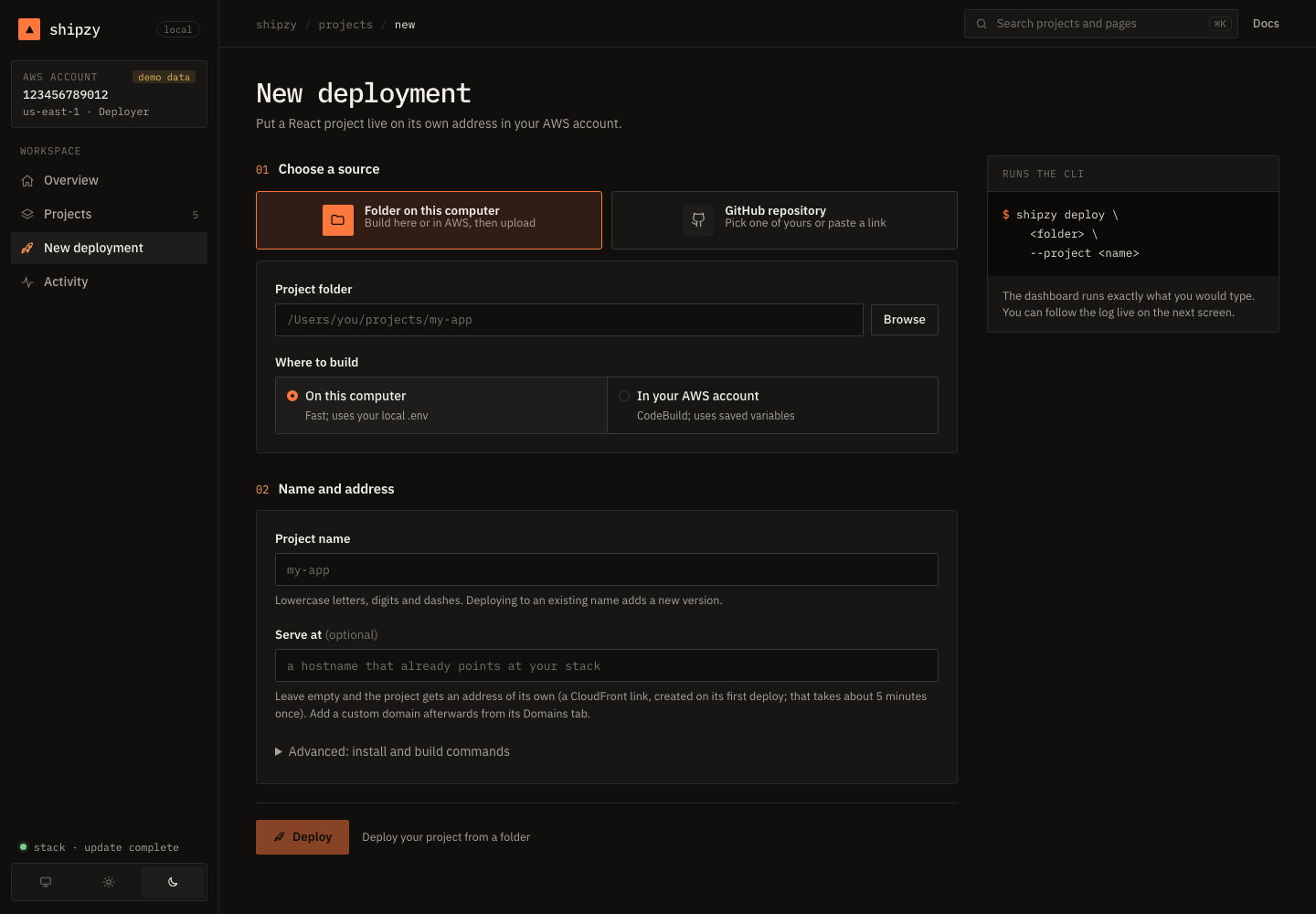
Choose a folder on this computer (type a path or browse to it, then build here or in AWS) or a GitHub repository (pick one of yours, or paste a link). The project gets its own address unless you give a hostname.
Connect GitHub#
To pick repositories from a list instead of pasting a token, the dashboard can sign in to GitHub with GitHub's device flow. One-time setup, about two minutes, free:
- Open
github.com/settings/applications/new. - Name: anything, for example
shipzy. Homepage URL and callback URL:http://127.0.0.1. - Register it, tick Enable Device Flow, and save. Do not create a client secret.
- Paste the Client ID (it is not a secret) into the box the dashboard shows, and click Save.
Then Connect GitHub shows a short code, you approve it on github.com, and your repositories appear. The login is held in memory only, never written to disk or sent to the browser. It asks GitHub for the repo scope, which is broader than a token limited to one repository; if you prefer the narrower one, paste a token instead.
Following a job#
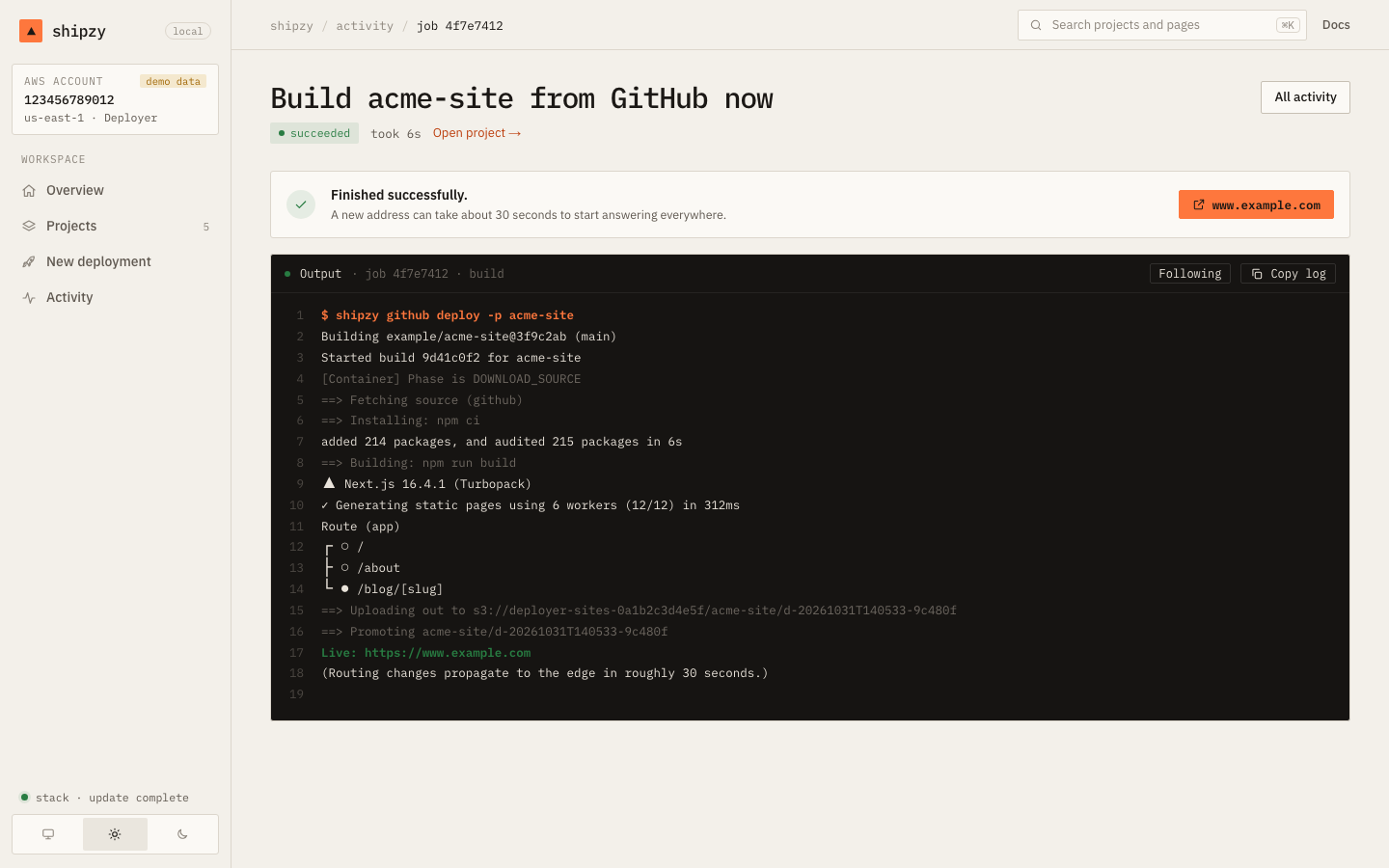
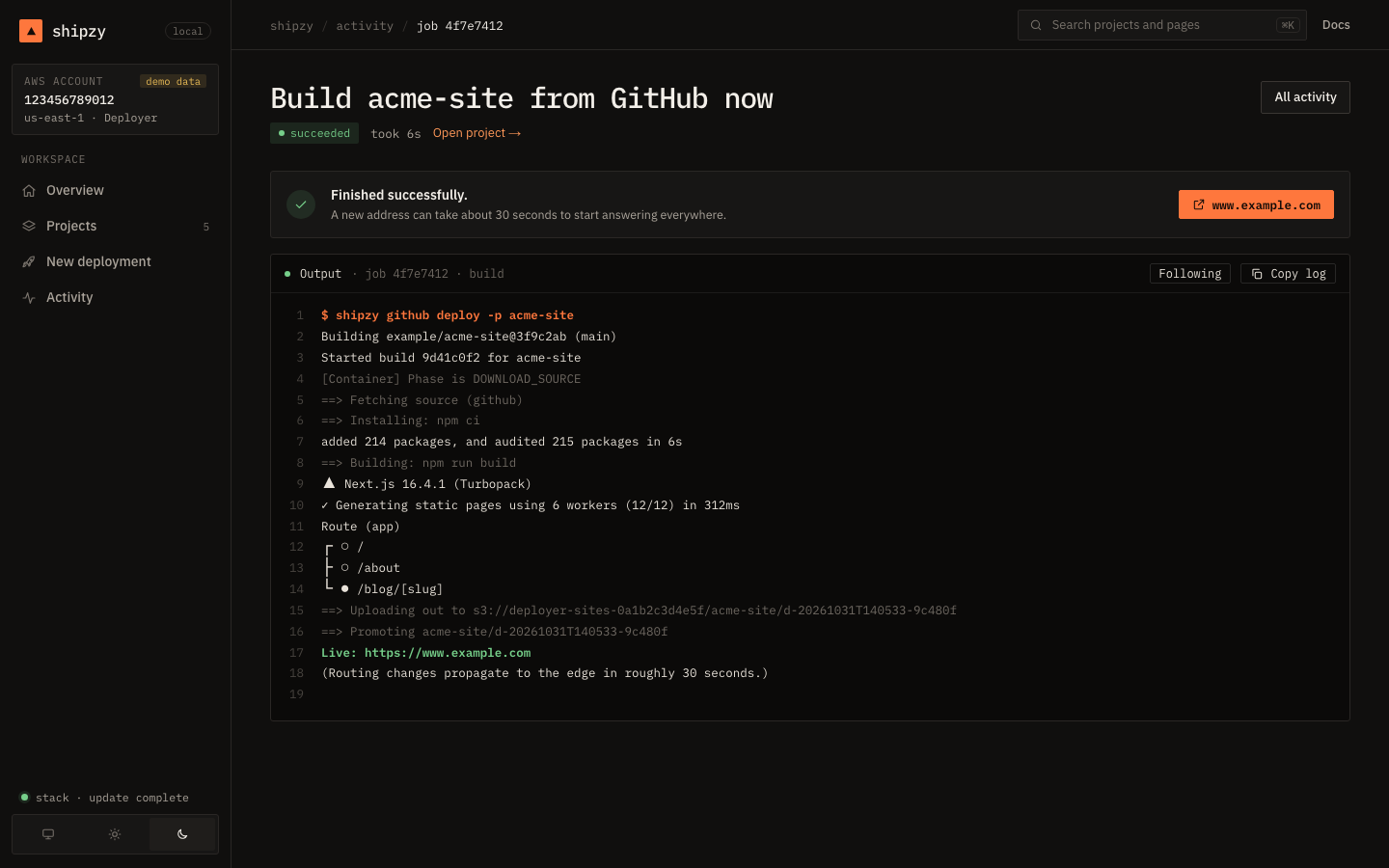
Every action runs as a background job. Its output streams live, you can Copy log, and closing the tab does not stop it. Activity lists everything you started, with its full output, while the dashboard runs. A build already started in AWS keeps running even if you cancel the local job.
How it works, and its limits#
The dashboard is a Next.js app, a separate package from the CLI. Reading data and every action run the shipzy command itself (with --json for reads), so behaviour is identical to the terminal.
- It listens on
127.0.0.1only. Requests need the per-launch cookie, a matchingHostheader and, for changes, a matchingOrigin, so another website you visit cannot drive it. - Every value from the browser is validated before it becomes an argument, and arguments are passed as a list, never through a shell.
- Secrets travel through the environment or standard input, never on a command line, and are blanked out of job logs. No page or API ever returns them.
initanddestroystay terminal-only on purpose.- It is a local tool: anyone who can use your browser session while it runs has your AWS access through it. Stop it when you are done.
To remove it: rm -rf ~/.shipzy/dashboard-app.